Copy cards
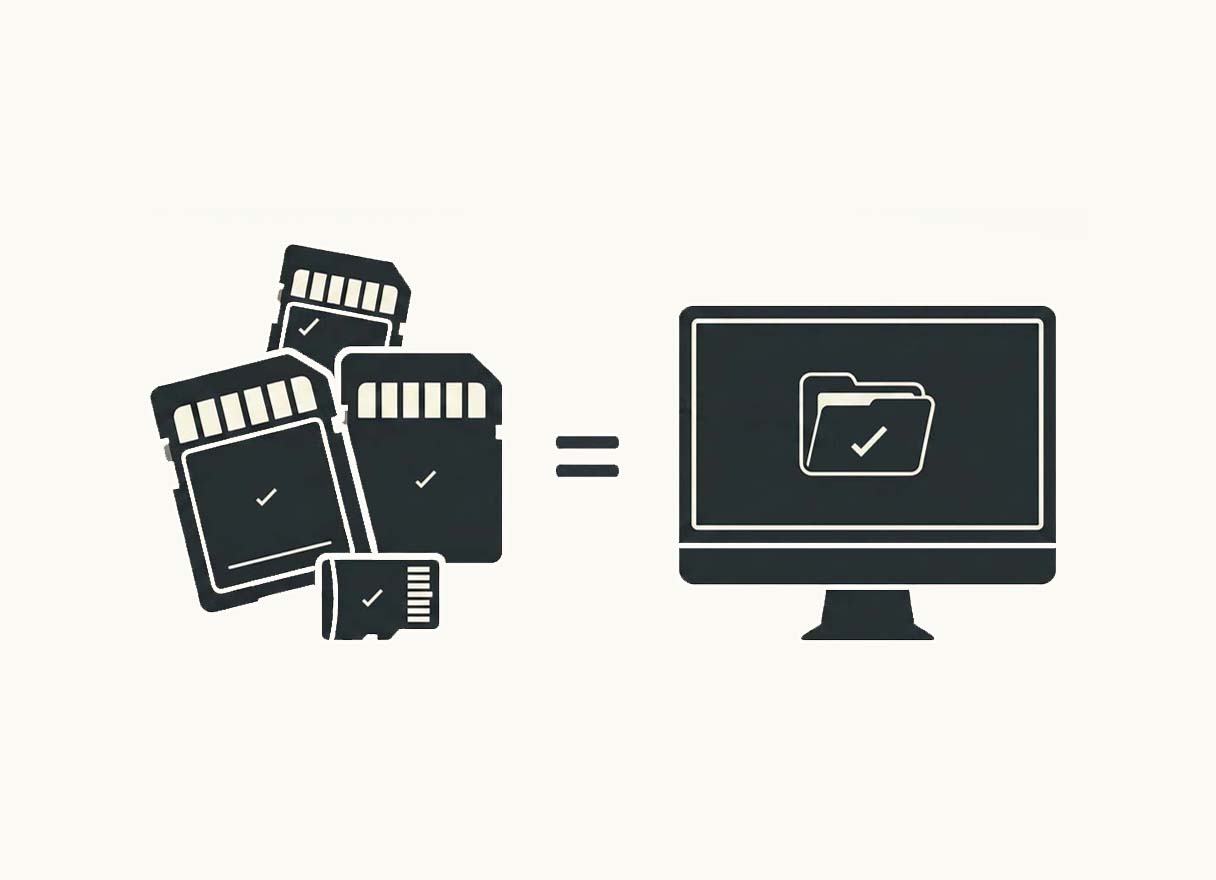
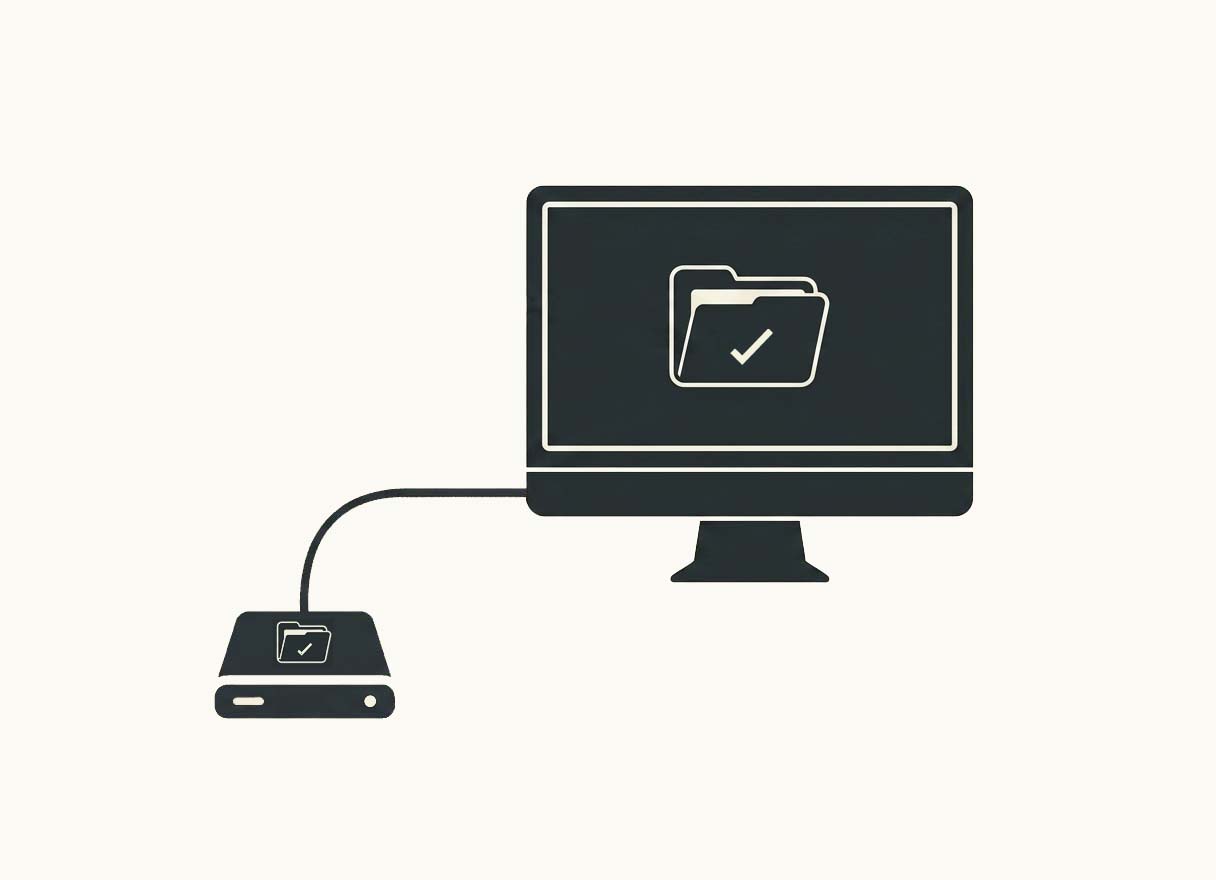
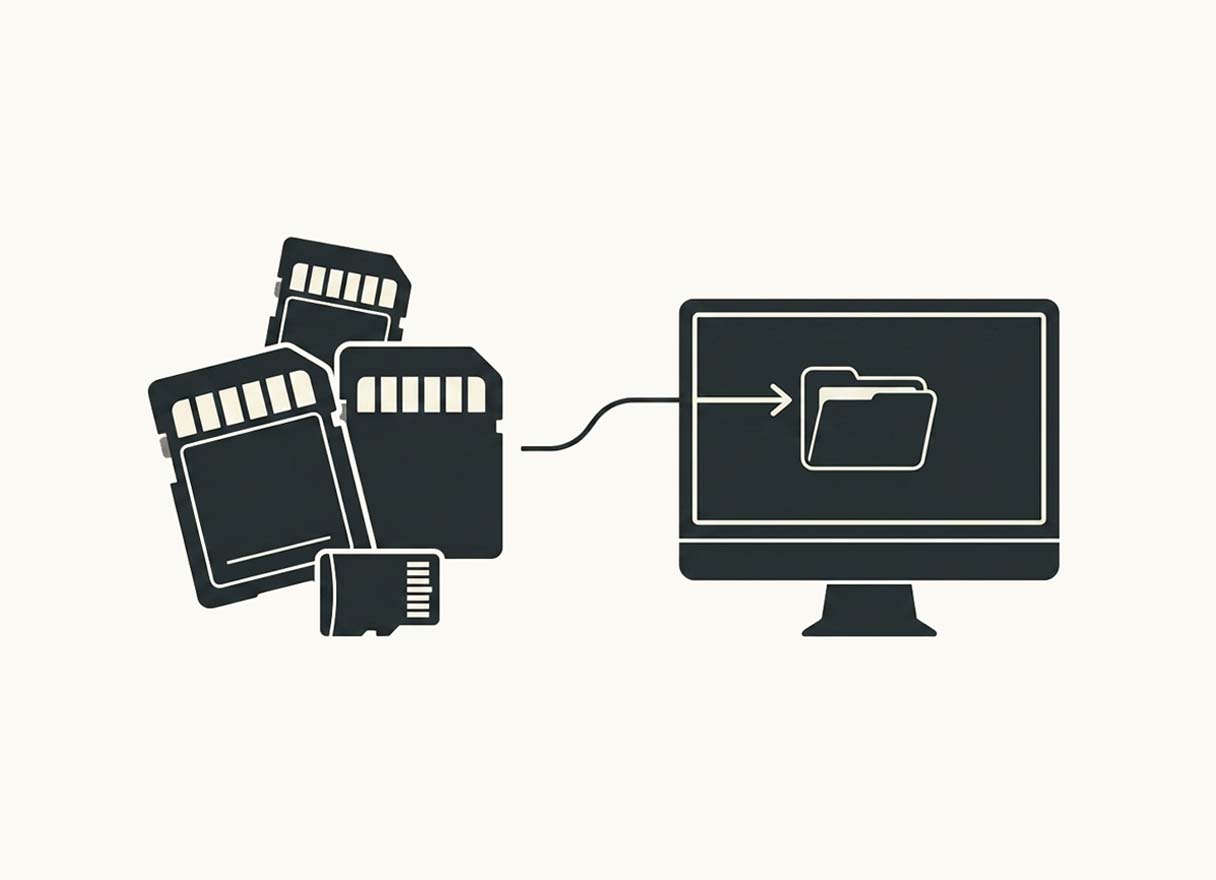
Plug in your cards: Récolte copies and verifies every file in real time, onto one or several drives at once.
Récolte
Back up your cards with peace of mind, and the proof that everything is there.
14-day free trial, no credit card
macOS & Windows
“I shoot a video job. Two one-hour takes. I get home, offload the cards, copy the backup onto a 2nd SSD. I format my cards before the next day's job.
Two days later I sit down to edit, and the first part (51 GB) is corrupted, unreadable. Panic — I check my second backup, same thing. Panic — I check my SD card: already formatted. Panic — I buy a €119 data recovery app, file recovered but unreadable. I try several ways to recover and repair the file, unreadable. I send the files to a lab and get a readable file back, €500.
I had no idea what to tell the client. That stress lasted 4 weeks, and it cost me €619.
Never again.”

Récolte came out of that. It doesn't just copy your files: it reads every copy back from the drive and compares it to the original, file by file. A copy that differs is flagged before you format — not three days later.
Three complementary tools to back up your SD cards, verify every copy, and never wonder again whether a backup is really complete.
Built for creators who can't afford a mistake.
Every file is compared against the original, not just its name or size — proof that nothing was corrupted in transfer.
Récolte recognises cards shot in dual-slot and won't copy files that are already secured.
Récolte knows exactly which card is in which port, so you never lose track halfway through offloading ten cards.
Back up as many cards as you like in parallel, without losing the thread.
App crash, power cut — nothing is lost. Relaunch and the copy resumes exactly where it stopped.
One message: everything is safe, or here is exactly what isn't. No doubt left when it's time to deliver.
Lifetime licence or annual subscription
Why would I pay for an app that does what I already do by hand?
Yes, on several fronts. You never wait for a whole batch to finish before pulling a card: as soon as one is done, its port is identified and you can move on. The real time saving, though, is the time you no longer spend manually checking that everything made it.
Very likely. If reformatting a card before heading back out stresses you a little, this will do you good.
If you're the messy type, yes: Récolte finds duplicates across any folders. Nothing is deleted automatically — you tell it to move the duplicates it found into a separate folder, and you decide what to do with them.
I've had shoots where I start in dual-slot, switch to a single card, then to video, then swap a card between bodies — different files with the same name, identical files with different names. The app has pulled me out of some real messes I would have hated to check by hand :)
Never. Récolte reads your cards; it writes nothing to them and deletes nothing from them. Formatting stays your move, in your camera, once the report has confirmed that everything is safe.
All the common RAW formats (ARW, CR2, CR3, NEF, RAF, ORF, RW2, DNG, PEF…), JPEG, HEIC and TIFF, video (MP4, MOV, MXF, MTS, BRAW, R3D, ARI, plus Insta360 formats and GoPro proxies) and audio from external recorders (WAV, AIFF, MP3). Sidecar files that share a media file's name, such as an .XMP or an .XML, travel with it. What stays on the card are the camera's own service folders (thumbnail caches, internal databases): they are counted as “excluded” in the report, never silently forgotten.
Nothing disappears. Your projects stay accessible, a copy in progress runs to the end, and you can still reopen and browse your old projects. Only creating a new project requires a licence from that point on.
One activation at a time, transferable as often as you like. On the old machine, Help › Manage my licence › “Release this licence”, then activate on the new one. If you forgot to release it, Récolte offers an automatic transfer, limited to once every 24 hours.
Both. The download button automatically gives you the right version. On Mac the app is signed and notarised by Apple: it opens without a security warning and updates itself.
You have fourteen days to withdraw without giving a reason, unless you asked for immediate access at the time of purchase and expressly waived that right — the checkbox is shown to you separately at that moment. Payment and refunds are handled by Polar. The annual subscription can be cancelled at any time from the customer portal, free of charge, taking effect at the end of the period already paid for. The details are in the terms of sale.
14-day free trial, no credit card
Download ↗macOS & Windows
Récolte is backup and backup-verification software built for photographers and videographers who want to offload their SD cards safely, before formatting them. It copies your photos and videos to one or more drives and verifies that every transferred file is identical to the original.
Copying files from a card to a drive is not, on its own, a guarantee that every file arrived intact. Récolte verifies the transferred data byte for byte, to catch any difference between the file on the card and its backup.
At the end of the transfer you know precisely which cards are fully backed up and which ones need your attention before you format them.
After a wedding, an event or a day of filming, several memory cards may need offloading. Récolte can process multiple cards at the same time and copy the files to multiple destinations.
The app also recognises cards used in dual-slot, so the same files are not copied twice for nothing.
Récolte can also verify a card you have already offloaded, by comparing its contents with the files on your drives. That way you can confirm a backup is complete before reformatting the card.
The comparison tool also lets you check several backup folders and spot files that are missing, different or duplicated.
Récolte is built for photographers, videographers and creators working with files they cannot afford to lose.